Check Before Appoint - Understand Service Choices, Ask Better Questions, Protect Your Devices

Check Before Appoint Independent Repair Guide - Understand Service Choices, Ask Better Questions, Protect Your Devices
Independent Device Learning Directory

Explore Device-Specific Learning Guides

Learn which details to check, how to understand service recommendations, and which questions to ask about your devices.

Includes Practical Questions
01 // Logic & Power Motherboard • SSD
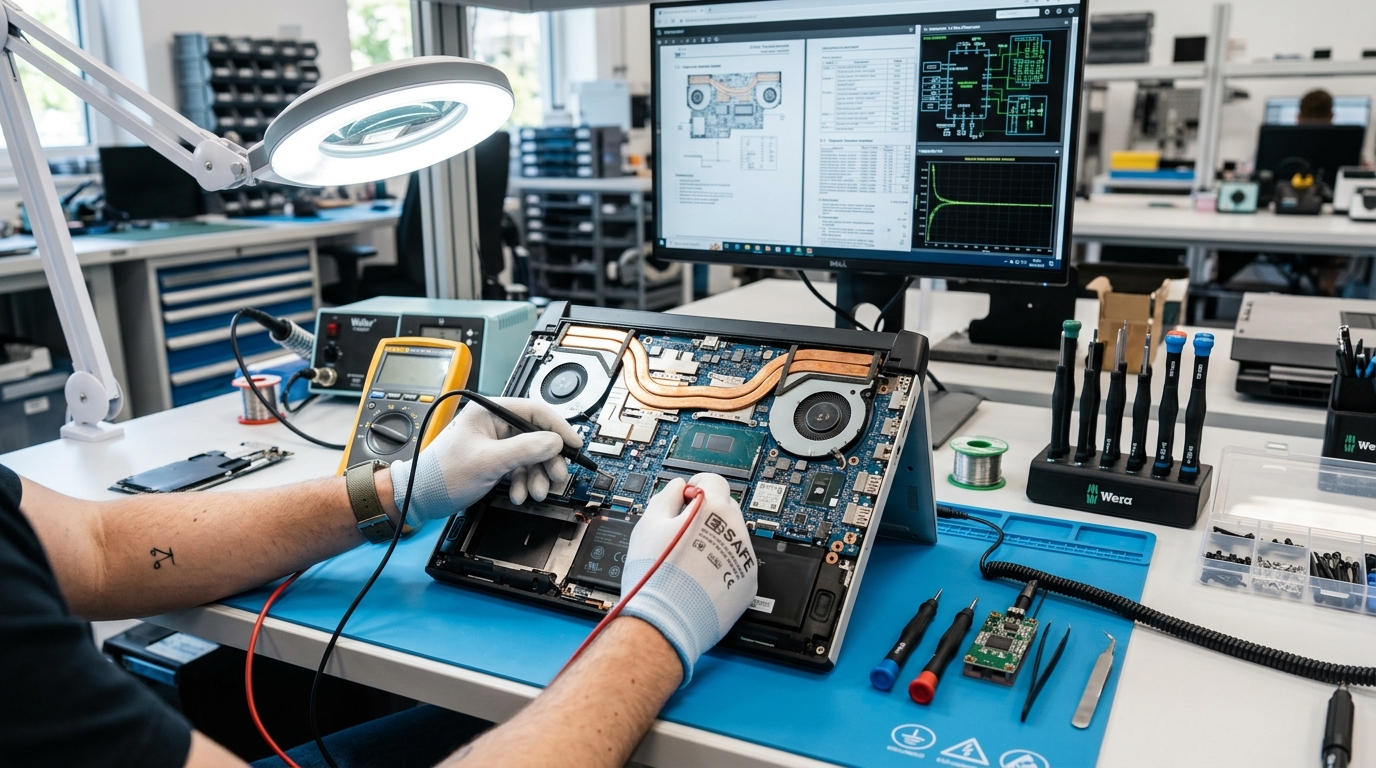
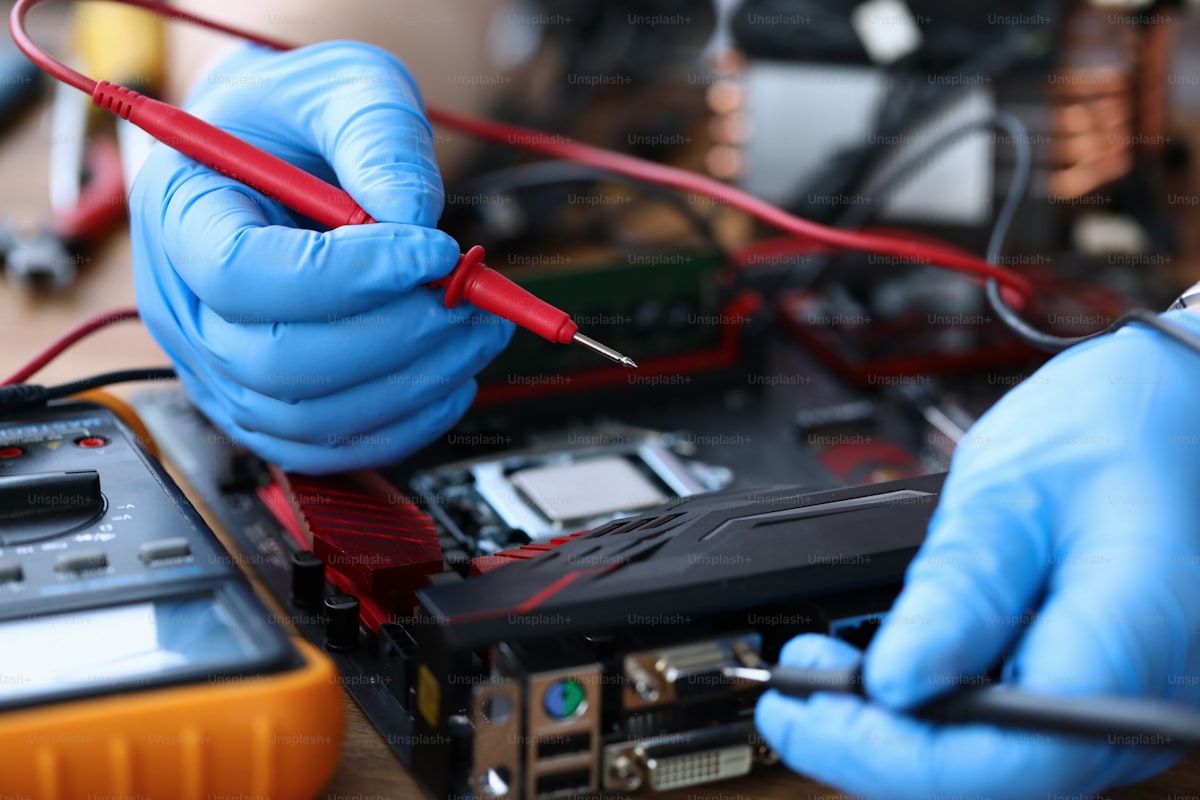
Electronics technician repairing laptop motherboard with multimeter probe
Device Inspection Privacy First

PC & Laptop Repair

Device Safety • Data Privacy

Protect Personal Access: Back up important files and ask how your personal data will be protected during inspection.
Understand the Diagnosis: Ask what testing supports a proposed motherboard or component replacement.
Ask Before Visiting:

"Which checks helped you identify the issue, and can you explain the findings?"
Open PC & Laptop Guide
02 // Hydraulics & Drum Pump • Valve • PCB
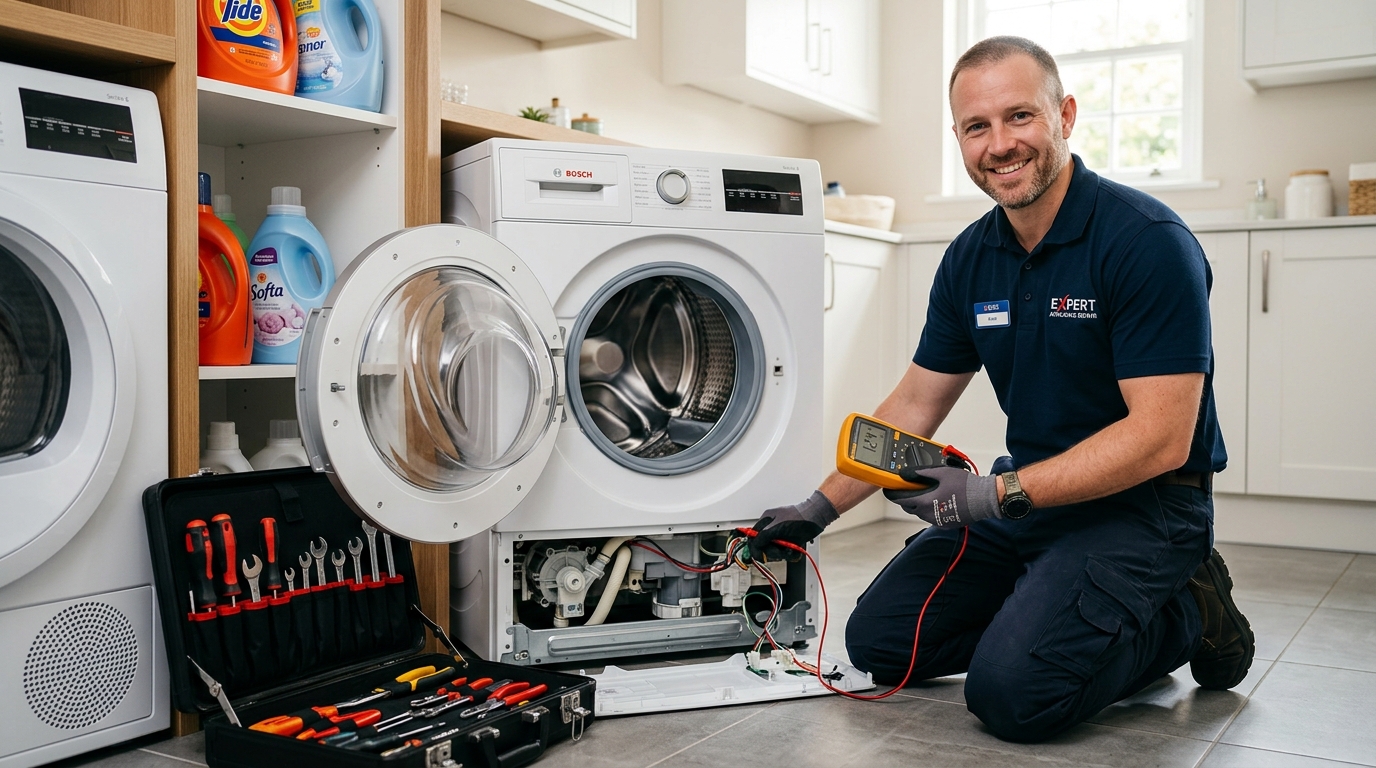
Technician servicing front load washing machine with tools
Inspection Details Ask Questions

Washing Machine

Error Codes • Safe Handover

Understand Workshop Needs: Some checks can take place at home; ask why workshop equipment may be needed before a device is moved.
Understand Error Codes: Error codes have multiple possible causes. Ask which inspection confirmed the likely issue.
Ask Before Booking:

"What checks will you perform, and when would workshop inspection be necessary?"

Open Washer Guide
03 // Thermal & Gas Loop Relay • Braze • Gas
Technician testing refrigerator compressor with manifold gauge
Cooling Checks Understand Causes

Refrigerator Repair

Cooling System • Diagnosis

Ask About Clicking Sounds: A clicking sound can have different causes. Ask which checks distinguish a starter issue from a compressor concern.
Refrigerant System: A sealed cooling system should be assessed for leaks when refrigerant loss is suspected.
Ask Before Booking:

"How will you identify the cooling problem and confirm whether there is a leak?"

Open Fridge Guide
04 // Display & Optics LED Array • T-Con
Electronics technician testing Smart TV circuit board
Display Review Screen Checks

TV & Screen Repair

Picture • Sound • Display

Picture and Sound: Sound without a visible picture can have several causes. Ask which display checks are appropriate.
Parts Explanation: Ask which component needs attention and how replacement compatibility is established.
Ask Before Booking:

"Can you explain the inspection results and the part being recommended?"

Open TV & Screen Guide
Before You Choose • Learning Checklist

Your Pre-Service Learning Checklist

Use these five practical checks to understand a provider’s process, protect your belongings, and prepare informed questions.

0 / 5 Learning Checks
Pending Mark each learning point as you review it...
Make Informed Choices

5-Point Pre-Service Checklist

Tick each point after you understand it

Mark as Read
Example Question to Ask: Keep it Simple

"Before we begin, could you explain the inspection process, how device information is handled, and what written service details I should keep?"

5 Warning Signs to Understand

Questions to consider before proceeding
Safety Notes
01 Unclear Cooling Diagnosis Ask Why
"The cooling system needs attention." → Guidance: Ask what checks were performed and whether any evidence of a refrigerant leak was found.
02 Unexplained Workshop Handover Record Details
"This component needs workshop testing." → Guidance: Ask why off-site equipment is needed and photograph identifiers before handing anything over.
03 Unconfirmed Component Diagnosis Ask for Tests
"The compressor needs replacement." → Guidance: Ask how the starting system and compressor were evaluated before accepting that conclusion.
04 Unclear Replacement Part Origin Verify Parts
"This is a compatible replacement component." → Guidance: Ask about compatibility, condition, labels, and any available manufacturer documentation.
05 Unexplained Motherboard Replacement Understand Results
"The main board needs replacement." → Guidance: Ask which tests identified the fault and whether alternative diagnoses were considered.
Device Knowledge Explorer

Explore What to Check for Your Device

Select a device and learning topic to see practical questions and safety reminders.

Independent Learning Resource
Interactive Learning Panel

Device Information Guide

What to UnderstandInspection
What to AskEvidence
What to RememberDocumentation
Ask for a clear explanation and keep the service record.
Understand the findings Protect your data Keep written records
Topic 01

Initial Inspection

Understand what was examined and how the findings were determined.

Ask for clear findings
Topic 02

Device Privacy

Ask how your files, accounts and personal information will be handled.

Protect personal information
Topic 03

Component Details

Learn how replacement components are identified and checked for compatibility.

Understand part details
Topic 04

Final Handover

Review device condition, test the reported function, and keep a handover record.

Review before accepting
Consumer Protection Knowledgebase

Common Questions, Clear Guidance

Independent educational answers about inspections, device handling, parts, documentation and choosing a technician.

Golden Rule 01

Ask for an explanation of the intended work before allowing disassembly.

Golden Rule 02

Ask about replacement part compatibility and keep available documentation.

Golden Rule 03

Ask to see the serviced function tested where practical before handover.

01 What should I consider when an appliance is getting older?

Think about age, condition, reliability, maintenance history and how well the appliance meets your needs. Ask what the inspection revealed before deciding on the next step.

Key Rule: Consider age, overall condition, reliability and expected future use. Ask for a clear diagnosis before deciding how to proceed.
02 What should I do if an issue returns after service?

Keep the written service details and any applicable warranty information. Note the symptoms and contact the original provider to understand the follow-up process.

Key Rule: Keep written service terms and note any coverage conditions clearly.
03 Should I let the technician take circuit boards to their workshop?

Micro-soldering, SMD hot-air rework, and oscilloscope tests require bench tools. However, before releasing any board, photograph serial numbers, barcode stickers, and markings clearly on your smartphone.

Key Rule: Photograph visible identifiers and keep a written acknowledgment before handover.
04 How do I verify if the replacement part is authentic OEM?

Ask for the part name and compatibility details. Packaging or product identifiers may help verify a component when available.

Key Rule: Keep any available part details and supporting documentation.
05 What should I ask before an initial inspection?

Ask what will be inspected, how the results will be explained and whether you will receive a written summary.

Key Rule: Understand the inspection scope and confirm the next steps before proceeding.
06 What if the recommended work changes after inspection?

Ask what new findings led to the revised recommendation and request a clear explanation before agreeing to additional work.

Key Rule: Review the proposed service scope before the device is disassembled.
07 How do I verify a local repair shop's credibility?

Review business details, a verifiable address, recent feedback and the clarity of their written service terms.

Key Rule: Verify contact details independently and keep service records.
08 When might workshop inspection be appropriate?

Some work can be performed at home; other tasks may need controlled tools or additional testing in a workshop. Ask for a reason and handover procedure.

Key Rule: There is no universal rule; ask which tools and checks are required for your device.
Still have questions about a service recommendation? Our independent learning guides help you understand the important checks before choosing a service professional.